
If you are getting these errors after applying the OS, it’s likely you have the SkuSiPolicy.p7b deployed to EFI – See Guidance for blocking rollback of Virtualization-based Security (VBS) related security updates – Microsoft Support / Secure boot revocations previous advice.
Once you deploy that, Secure boot requires the file or newer to be on the EFI partition.
It’s there now, forever, or until you reset secure boot. During re-imaging you can copy the latest version after apply OS with a script like this
$tsenv = New-Object -ComObject Microsoft.SMS.TSEnvironment
$osdisk = $tsenv.Value("OSDisk")

$PolicyBinary = $OSDisk+"\Windows\System32\SecureBootUpdates\SkuSiPolicy.p7b"
$MountPoint = 's:'

$EFIDestinationFolder = "$MountPoint\EFI\Microsoft\Boot"

if (-Not (Test-Path $EFIDestinationFolder)) { New-Item -Path $EFIDestinationFolder -Type Directory -Force }

Copy-Item -Path $PolicyBinary -Destination $EFIDestinationFolder -Force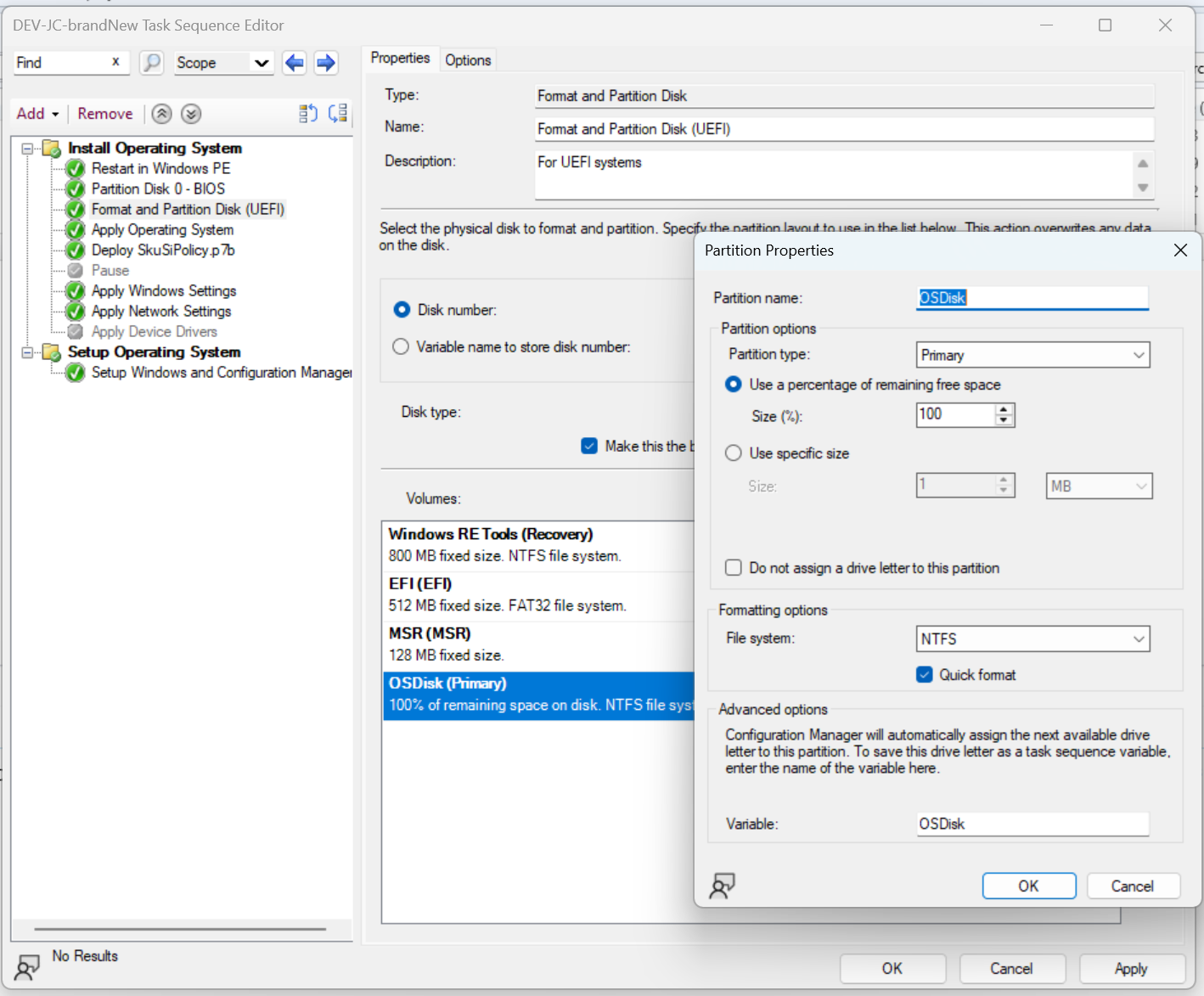

Leave a Reply